AI Viral Video Generator
Pick a trend, upload one photo, and the AI viral video generator films you into the clip with the same moves, camera and beat.
- No prompts
- HD with sound
- No watermark
- From $4.68 a video
1 · Your photos
Alors On Danse
20s · 80 credits · Seedance 2.5
2 · Pick a trend
Pick a trend for the AI viral video generator
Every card is a clip that already blew up on TikTok, Reels or Shorts. Open one to see the original, then make your own version.
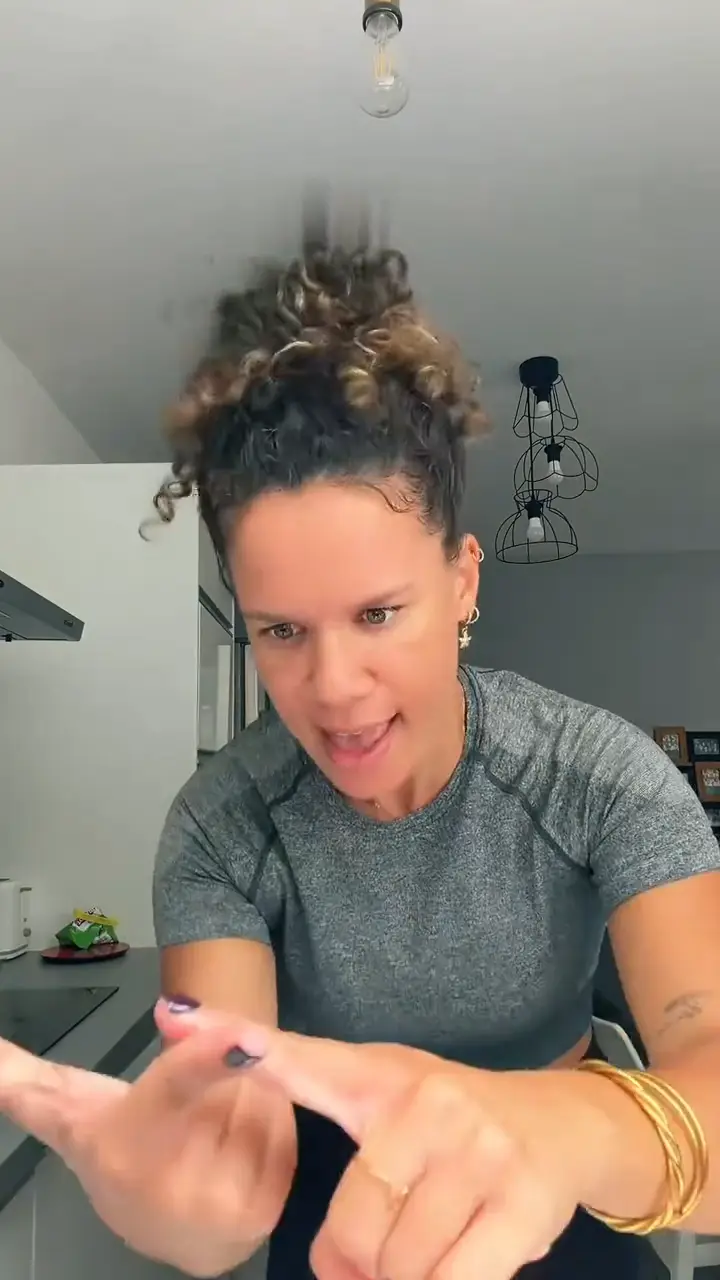 HotBad Times AIBad Times AI: you or your pet face-palm through the routine and finish in the lens.
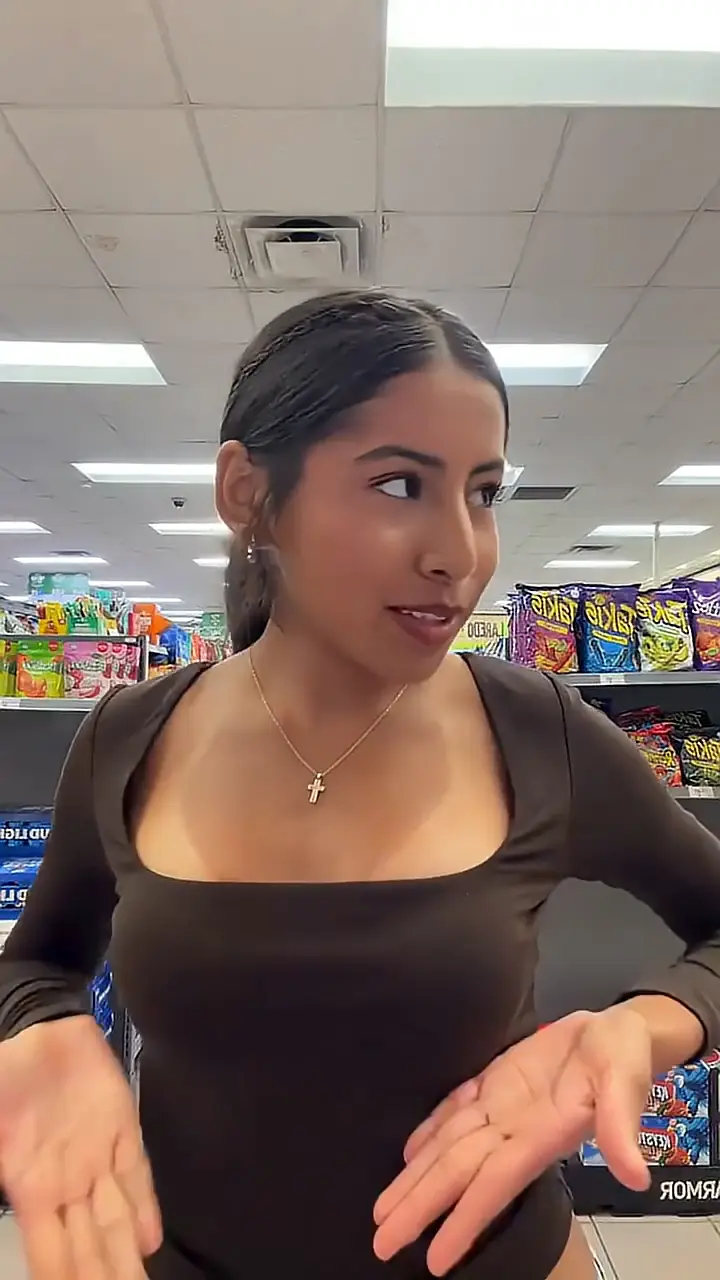 HotI Feel Like Nicole AI DanceI Feel Like Nicole AI Dance: open the store cooler, lip-sync at the lens and dance off.
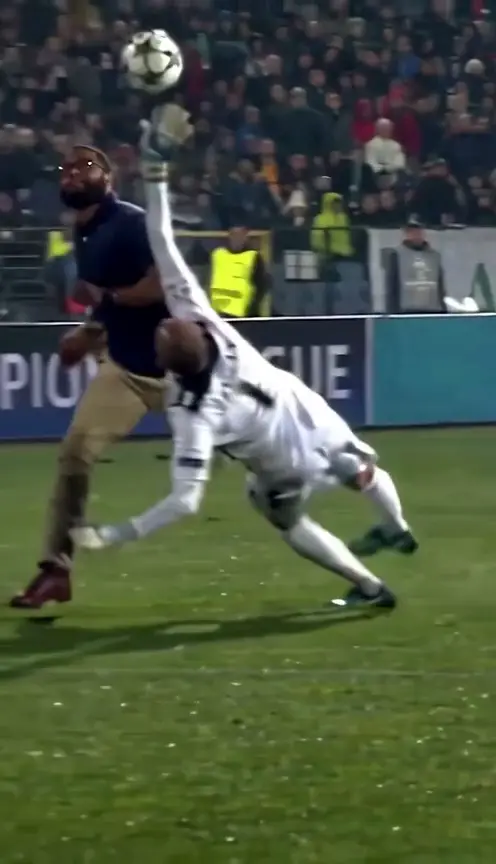 HotMesut Ozil Bounce AIMesut Ozil Bounce AI: pop the ball over the sliding keeper and skip two tackles.
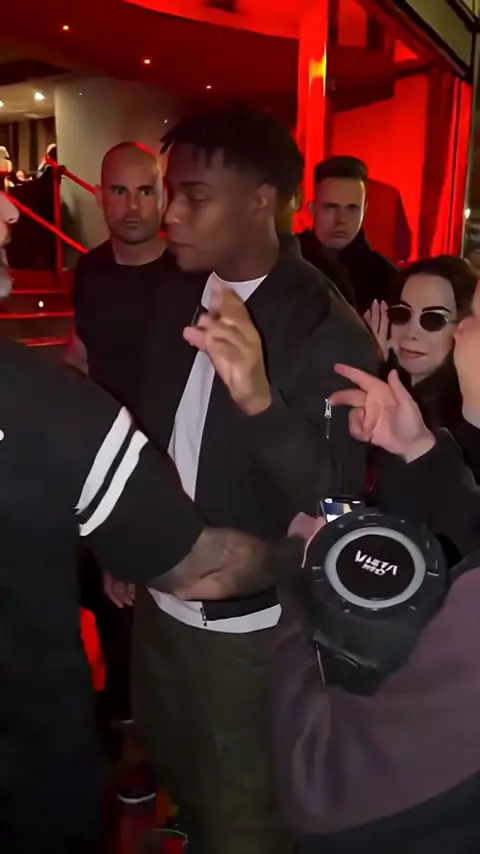 Bulin 47 AIBulin 47 AI: drop the doorway dembow freestyle under red lights with your own face.
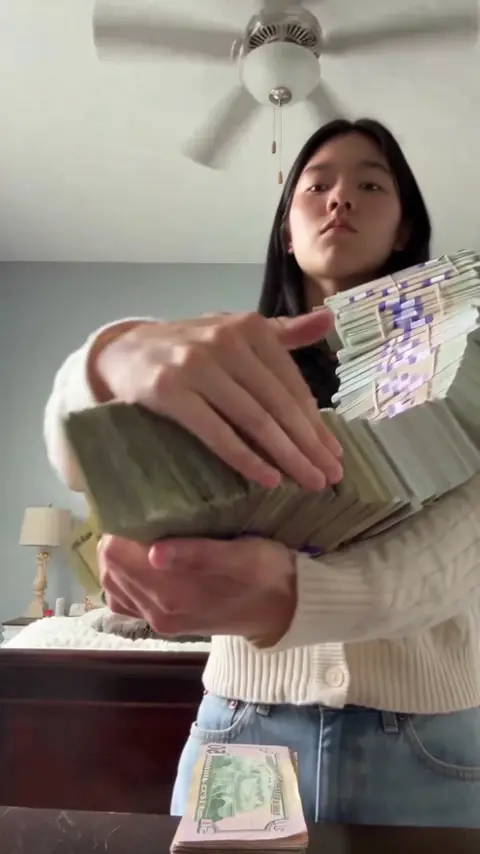 Money Flex AIMoney Flex AI: hug, toss and fan stacks of cash at a low phone camera, deadpan.
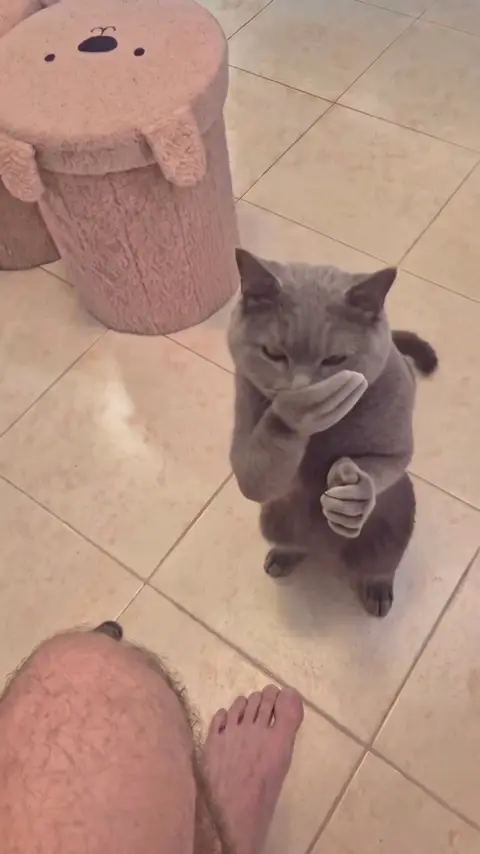 Clapping Cat AIClapping Cat AI: your own pet takes the treat, grins and slow-claps back at you.
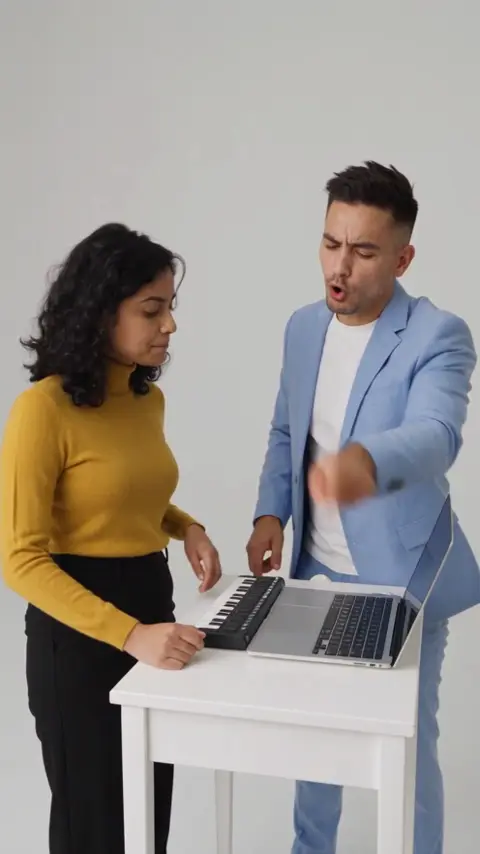 Alors on Danse AIAlors on Danse AI: two friends in a white studio, one on the keys, one deadpan hype-man.
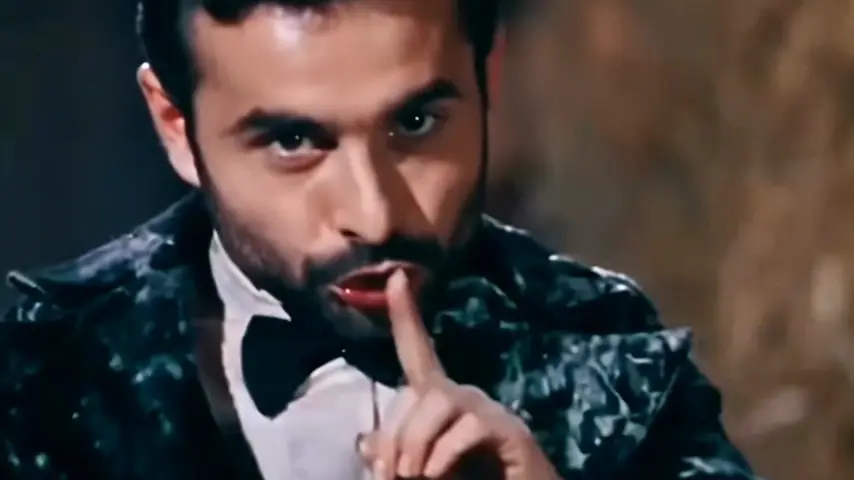 Rumpelstiltskin AIRumpelstiltskin AI: tiptoe through the golden hay barn from the fake 1987 movie clip.
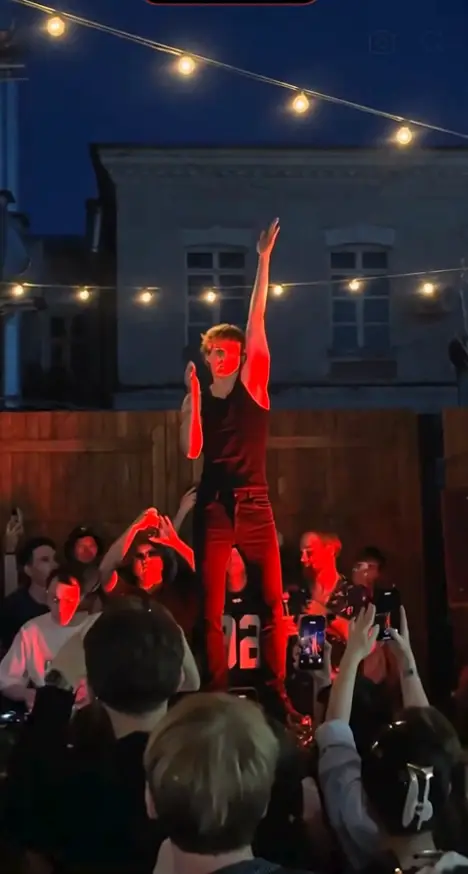 Cheba Man AICheba Man AI: Tecktonik arm waves alone on a red-lit party stage while the crowd films.
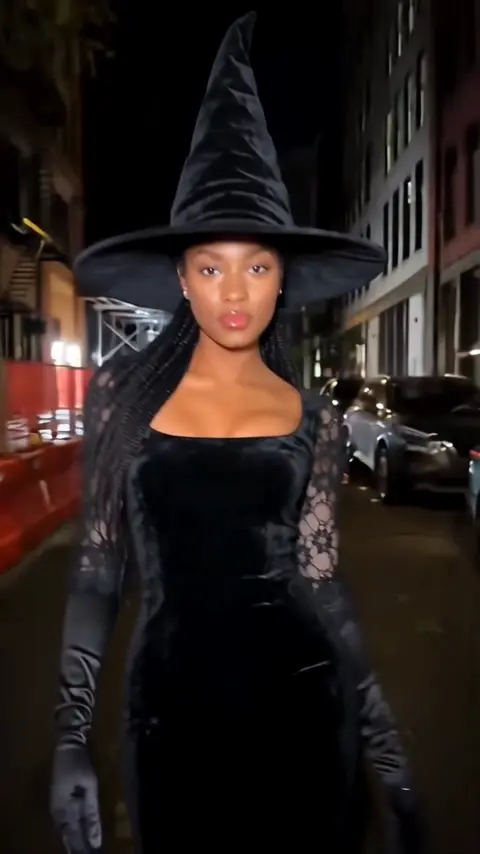 NewRamalama AIRamalama AI: the low-angle costume walk and tilt-up reveal, in one of 8 costumes.
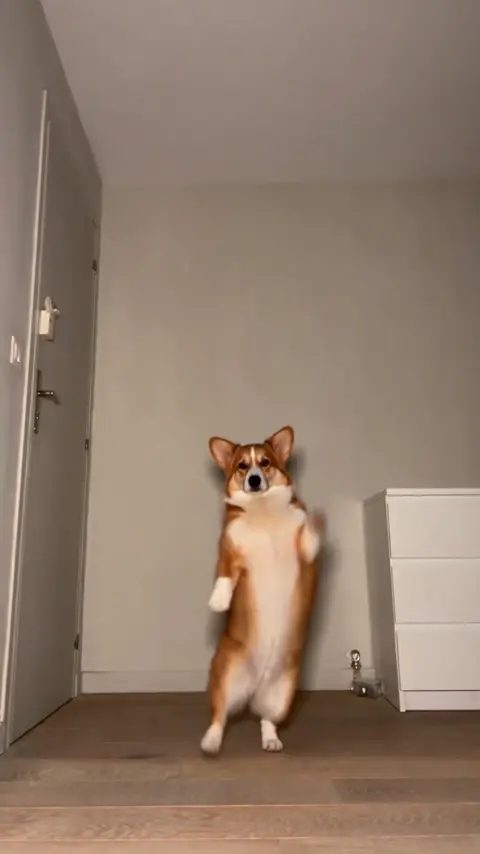 Toc Toc AIToc Toc AI: strut, kick and skip across a bare room like it is a runway.
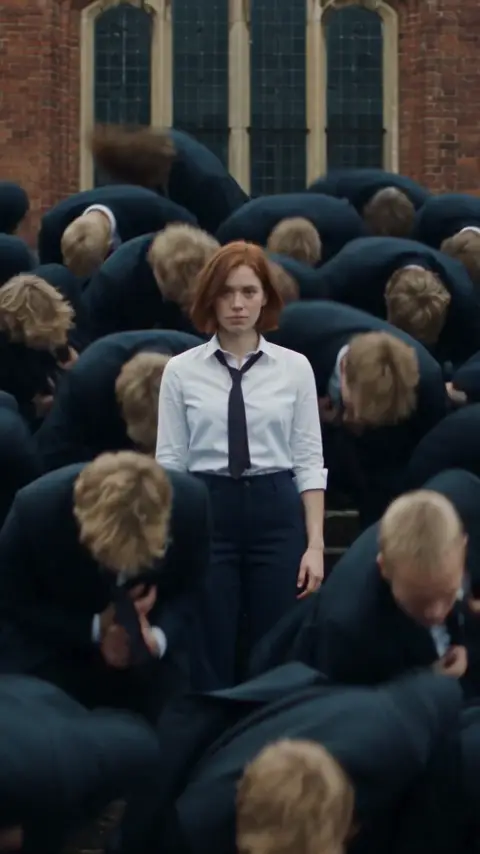 Storm AI DanceStorm AI Dance: you stay perfectly still while a crowd in suits explodes on the drop.
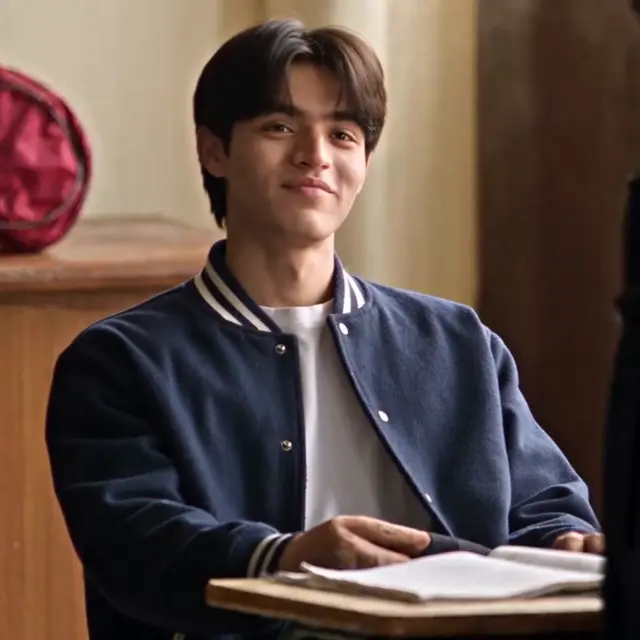 Aura Farming Korean AIAura Farming Korean AI: a K-drama classroom entrance that turns into a black-and-white edit.
Three steps from photo to viral video
No editing app, no green screen, no prompt.
- 1
Pick a trend
Browse the templates and tap the one you want. Each template carries the original clip’s moves, camera and timing.
- 2
Drop in your photo
Most trends need one clear photo; duets need two. Some even take a photo of your pet.
- 3
Create and post
Press "Create my video". Seedance 2.5 renders it in HD with the soundtrack, usually within about 10 minutes. Download the MP4, no watermark.
An AI viral video generator that starts from the trend
FYPNova is an AI viral video generator built from real trends. Each template is a clip that already went viral, rebuilt shot by shot. You add a photo, and the AI films you into it with the same moves, camera and beat.
Most AI video apps hand you a blank prompt box and hope you can describe a TikTok well enough. We went the other way. When a clip starts trending, we rebuild it as a template: the camera path, the choreography, the cuts and the sound. You bring the face, and the AI viral video generator does the rest with Seedance 2.5.
Trends, not prompts
Every template copies a clip that already went viral. You never write a prompt or find a reference video.
It actually looks like you
Face, hairstyle and clothes hold steady across every cut, close-ups included.
Pets welcome
Several trends work with a cat or dog photo: they stand up, dance, clap or flex.
Sound included
The video comes with the trend’s soundtrack already in sync, ready to post.
Clean HD files
No watermark, in the format the trend uses: vertical, wide or square.
Fair credits
One balance works on every template, and a failed video gives its credits back automatically.
What FYPNova does, in numbers
Everything worth knowing before your first video.
- You upload
- 1 or 2 photos depending on the template, one person or pet per photo (JPG, PNG or WebP, up to 10 MB each)
- Templates
- Dance trends, meme scenes, pet videos and edits, with new trends added as they take off
- You get
- A 11-28-second HD MP4 with sound, no watermark, in the template’s format (9:16, 16:9, 4:3 or 1:1)
- Model
- Seedance 2.5
- Time
- Usually about 10 minutes
- Price
- Subscriptions start at $16.58/mo on yearly billing, one-off credit packs at $14.90. Yearly billing saves up to 16%. The generator shows each template’s credits before you create
Plans for every creator, up to 16% off yearly
One credit balance covers the whole library. Every video is HD with its soundtrack and no watermark, and a failed render hands its credits back.
Starter
Your first few trends
Billed monthly
100 credits / month
- As many as 2 videos a month
- All templates in HD, with sound, watermark-free
- Fresh credits each billing month
- Credits back if a video fails
- Cancel whenever you like
- Rendered with Seedance 2.5
Creator
A new trend every week
Billed monthly
200 credits / month
- As many as 4 videos a month
- All templates in HD, with sound, watermark-free
- Fresh credits each billing month
- Credits back if a video fails
- Cancel whenever you like
- Rendered with Seedance 2.5
Studio
Daily posting and teams
Billed monthly
800 credits / month
- As many as 17 videos a month
- All templates in HD, with sound, watermark-free
- Fresh credits each billing month
- Credits back if a video fails
- Cancel whenever you like
- Rendered with Seedance 2.5
Credit packs
Pay once, keep the credits forever60 credits
$14.90
130 credits
$29.90
300 credits
$59.90
AI viral video generator FAQ
Short answers to what people ask before their first video.
What is an AI viral video generator?
A tool that recreates trending videos with you in them. FYPNova keeps a library of clips that went viral on TikTok, Reels and Shorts; you pick one, upload a photo and the AI rebuilds the clip with your face.
How is FYPNova different from other AI video tools?
Most AI video tools ask for a prompt or your own reference video. Here every trend is already scripted shot by shot, so the only input is your photo.
Which trends can I make?
Dance trends like Toc Toc, Cheba Man and the Storm dance, meme scenes like Bulin 47, Money Flex and Ramalama, pet videos like Clapping Cat, and edits like Aura Farming. The generator always shows the current list.
Do I need to write a prompt or upload a video?
No. You only upload photos, one per role in the template. Everything else comes from the template.
Which photos give the best result?
One person per photo, facing the camera, in good light, without sunglasses or heavy filters. For dance trends a full-body photo works best.
Can I use a photo of my pet?
Yes, on the templates that say "person or pet" or ask for a pet. The animal keeps its own fur, face and markings.
How much does a video cost?
Videos are paid in credits, and each template shows its cost in the generator. Subscriptions start at $16.58/mo on yearly billing, one-off credit packs at $14.90. With yearly billing a video starts as low as $4.68.
Is there a free trial?
No. Every video is rendered on a top video model at real cost, so there are no free credits. The reference clips and examples show exactly what you will get.
Is there a watermark?
No. Every video downloads as a clean HD MP4.
How long does it take?
Usually about 10 minutes. Feel free to leave; the result is saved in My Videos when it is done.
What happens if a video fails?
The credits go back to your balance automatically.
Whose photos can I upload?
Only photos you have the right to use, of people who agreed to be in the video. No photos of minors and no photos of public figures.
The next trend could star you.
One photo, one click, one viral video. From $4.68 per video, no watermark.
- No prompts
- HD with sound
- Pets welcome